Privacy-First PDF
& Image Tools for Students
Fast, Secure, Unlimited — designed to help students manage and edit PDFs online instantly.
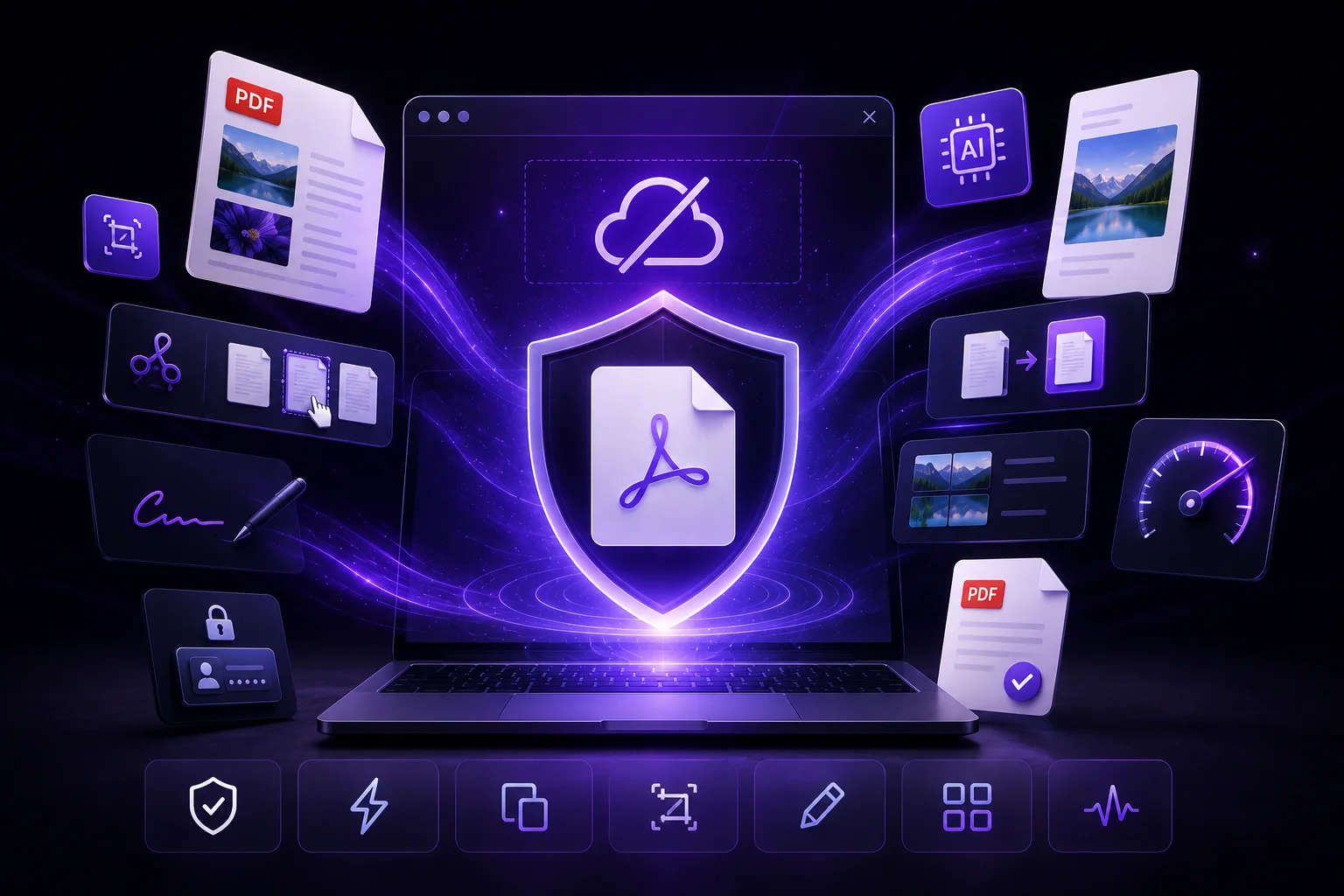
Our Mission is Simple
Provide completely free PDF and image tools that work safely inside your browser with modern workflows, powerful performance, and zero limitations.
Why We Created OK PDF
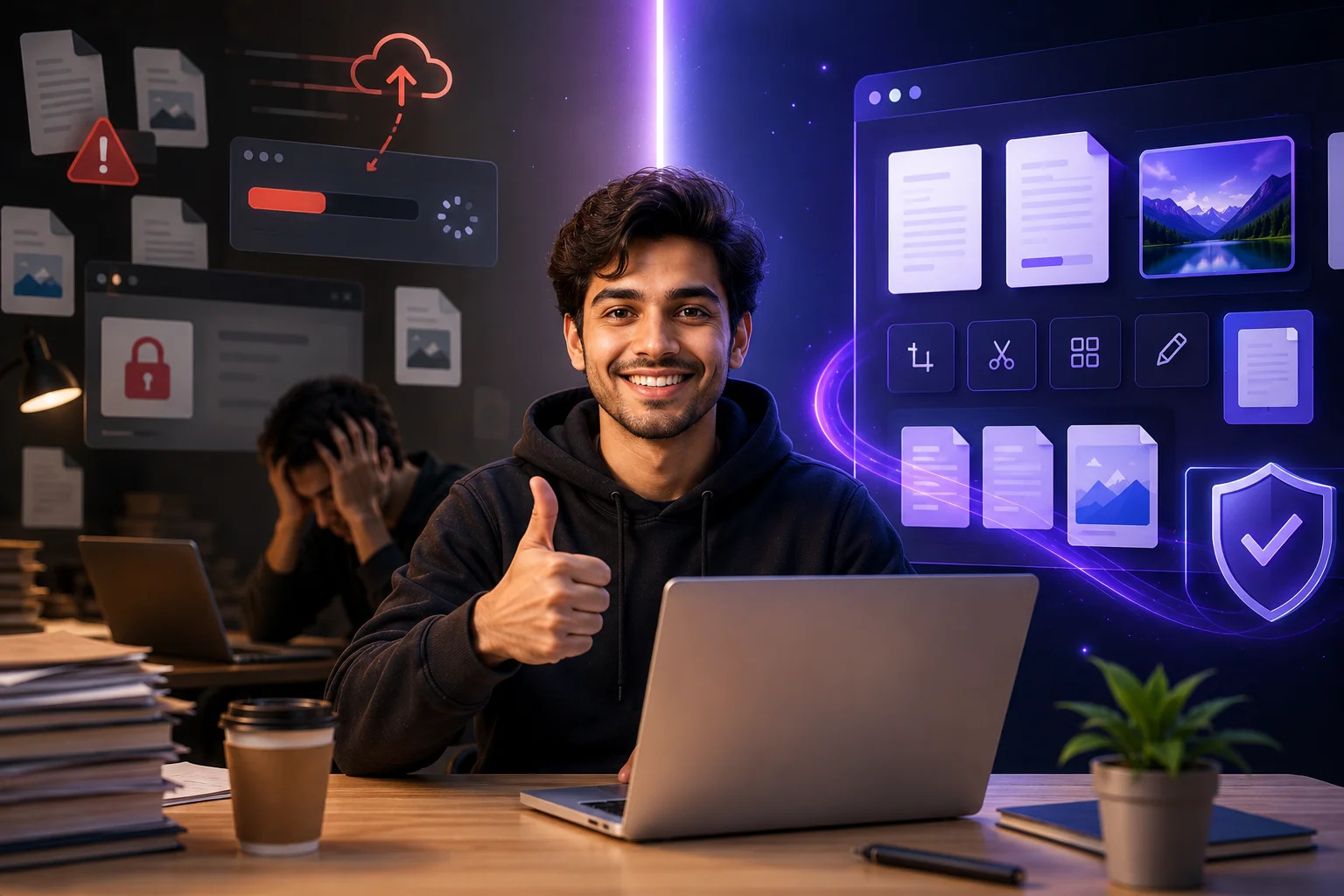
As students, we experienced the same frustrating problems everyone faces while working with PDF and image tools online.
Scholarship portals rejecting large uploads
Websites adding watermarks to documents
Fake free tools asking for payment
Endless popup ads and redirects
Privacy risks from unknown servers
Frequently Asked Questions
Is OK PDF really free? Are there any watermarks or limits?
Yes, OK PDF is completely free to use. There are no watermarks, no hidden charges, and no daily limits. You can use our tools anytime without signing up or paying for subscriptions.
How does OK PDF process files?
When you upload a file, everything happens directly inside your browser. Your PDF or image is processed on your own device, and once the task is completed, you can instantly download the file. Nothing is sent to external servers.
Are my files safe and private?
Absolutely. Your files stay on your device and are never stored or shared anywhere.
Why do some government websites reject compressed files?
Many government portals only accept files under a specific size limit like 200KB or 1MB. Our tools are designed to reduce file size properly while keeping the document clear and readable.
Does OK PDF work on mobile phones and tablets?
Yes. OK PDF works smoothly on Android phones, iPhones, tablets, laptops, and desktops. The website is designed to be simple, fast, and easy to use on any screen size.